Houses go to auction, and your home gets its own tab
A house on Puria is a home for the long run. Getting one, keeping it and passing it on now happens in one place, the House window, with rules that protect your gold at every step. Open it with the house button below your inventory or type !house.
My house comes first
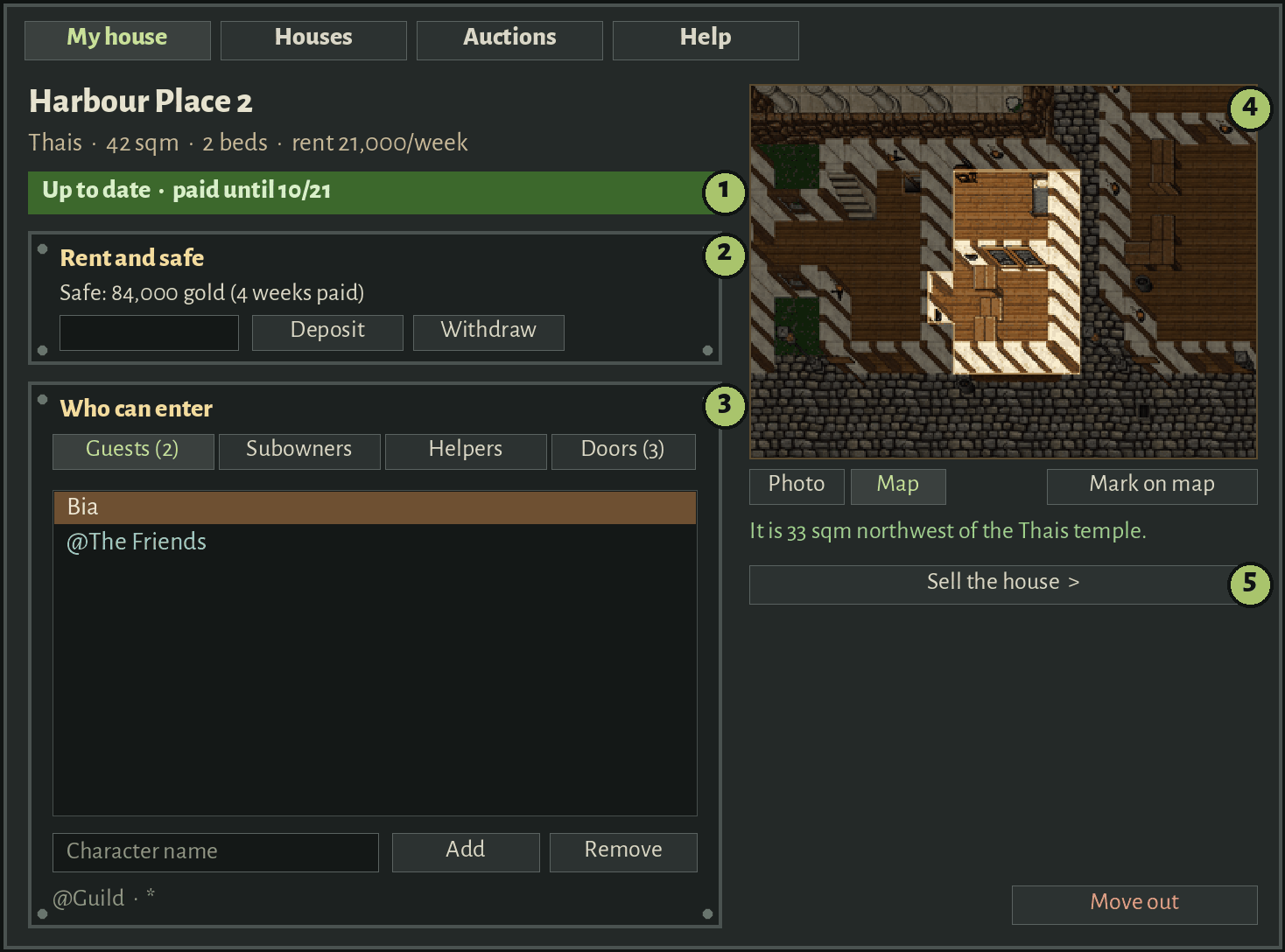
The first tab is yours: status, rent safe, who can enter, map and selling.
1 · Right at the top: up to date (green) or overdue (red), with the date.
2 ·Rent and safe: deposit or withdraw in one line. Pay overdue only shows up when you need it.
3 ·Who can enter: pick Guests (aleta sio), Subowners (aleta som), Helpers or Doors (aleta grav), type a name and click Add. To take someone out, click the name and Remove. It saves at once. @Guild lets a whole guild in, * lets everyone in. The spells still work.
4 · The map of your house with a cross on the door, the photo, the way from the temple and Mark on map. Click again to unmark.
5 ·Sell the house stays folded until you need it.
No house yet? The tab shows two buttons: See free houses and See auctions.
Auctions for every free house
Minimum bid1,000 goldper sqm
Auction24 hfrom the first bid
Late bid+10 minin the last 10 minutes
Rent500 goldper sqm, per week
Grace3 daysbefore losing the house
STEP 1
Set your limit
The most you would pay. It leaves your bank and is held as a deposit.
STEP 2
One day of auction
The first bid on a free house opens it. It ends 24 hours later.
STEP 3
No last-second snipes
A bid in the last 10 minutes pushes the end 10 more minutes.
STEP 4
Pay only what it takes
The winner pays the current bid and gets the rest back. Outbid? Everything comes back at once, even offline.
The Houses tab lists every house by town, with how many are free, in auction or for sale. The Auctions tab shows the open ones, ending soonest first, and your bids.
Premium only, one house per account; guildhalls count apart, for guild leaders.
Rent without surprises
Rent safe Up to 52 weeks in advance. It pays first.
Bank When the safe runs out, rent comes from the bank.
3 days of grace A letter in the depot, a login warning and the Pay overdue button.
Only then The house is freed: items to the depot, the safe back to the bank.
If the house is lost or you move out: the items go to the depot of the house's town, Store decorations go back wrapped to your Store Inbox (weightless), and the safe goes back to your bank.
Sell or pass it on
Set a price and, if you want, the buyer. The buyer clicks Buy and the house changes hands at once.
Moving the house to another character of yours? List it to them for 0 gold and buy it with them.
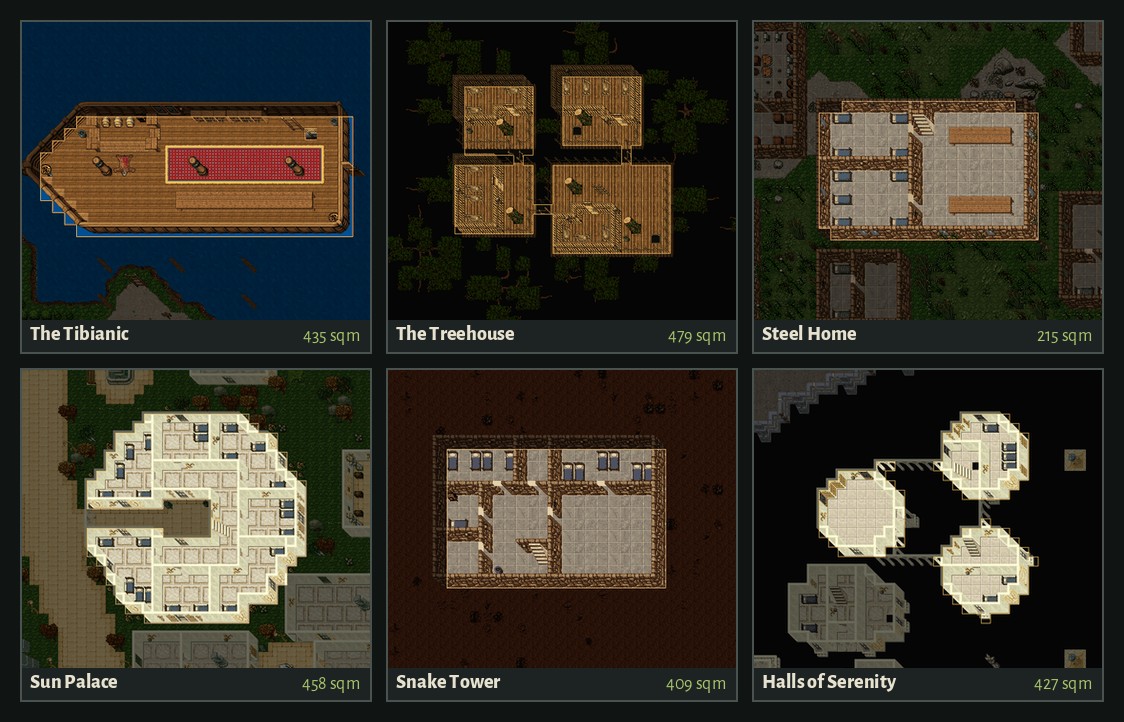
Every house, with a photo
Every house has a photo of all its floors, drawn from our own map.
Commands
!buyhouse no longer buys anything: houses are sold only by auction, so it just opens the window on the Houses tab.
!house opens the window. !leavehouse still works, and gives your safe back.