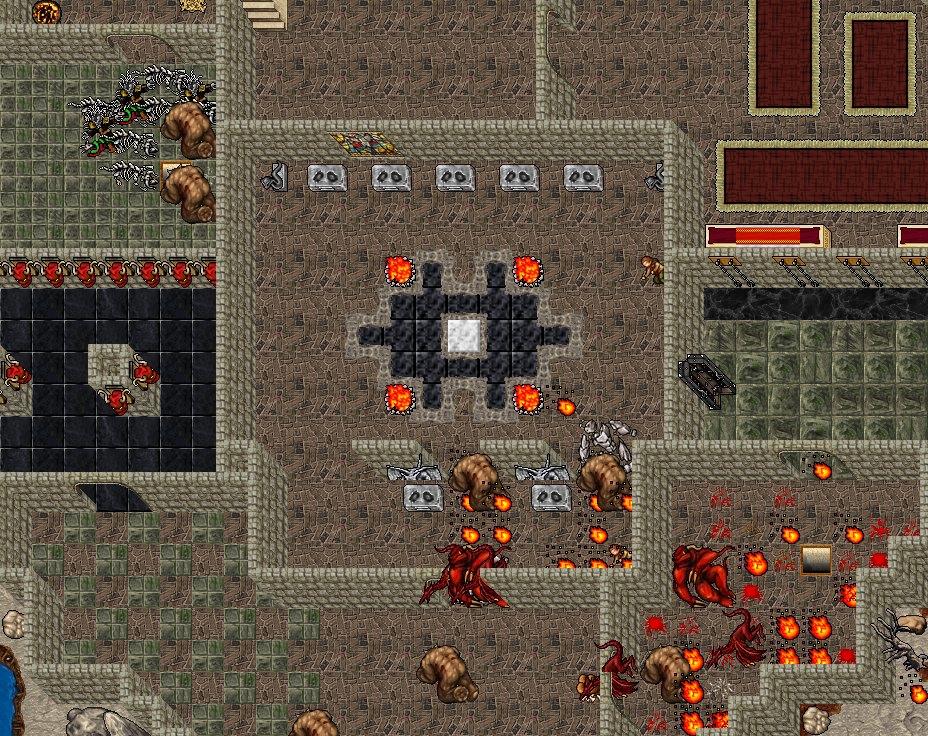
The first thing you see of Puria is now Puria itself. The login screen and the character list are drawn with the real game map: animated items, the light of the braziers, creatures walking around and music of their own.
The altar room where your characters wait for you.
I
Your characters on the map
Every character of your account stands in the altar room with its name above. The chosen one walks to the front; you can also click them on the map.
II
A plaque for each hero
Name, vocation, level, world and last login on a plaque in the middle of the screen, with the big PLAY button below.
III
Create characters in the client
The Create character button works right there, without opening the website.
IV
Into the world
When you click Play, your character runs to the portal, vanishes in the teleport effect and only then enters the game.
Launcher
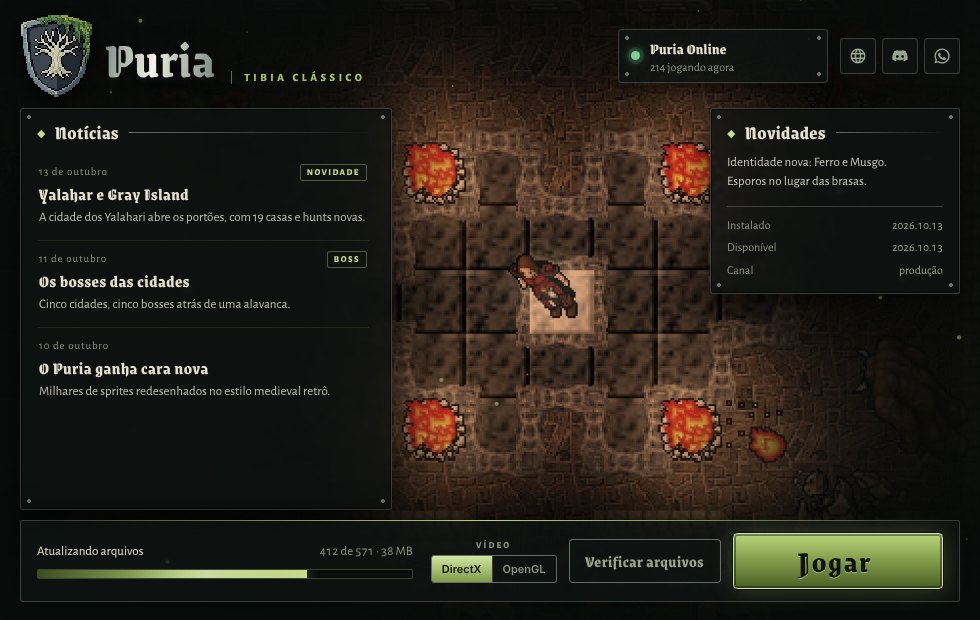
The launcher with the altar room in the background.
New look, with the altar room and live braziers in the background.
Players receive the new launcher through the automatic update.